DDGI and Raytracing
DDGI
NVIDIA Readme:
UE5-PhysX-Vite/Engine/Plugins/Runtime/Nvidia/RTXGI at ue5Vite-release · GapingPixel/UE5-PhysX-Vite
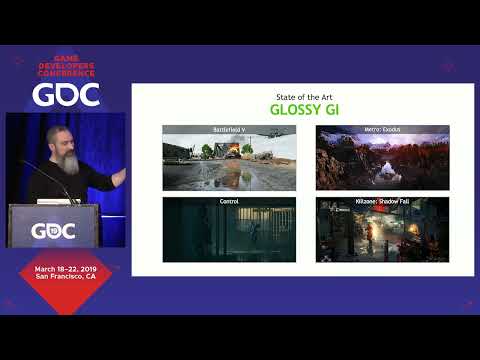
GDC Presentation
Dynamic Diffuse Global Illumination
Ray-Traced Irradiance Fields:
DDGI Sample Scene, Setup, and combined usage with SSGI:

DDGI Plugin Settings:
Full Official RTXGI Playlist:
*DDGI in Vite has further integration with the RT pipeline from the NvRTX branches, in contrast to the 4.27 Launcher DDGI Plugin feature set. Including features such as Probe-Based RT Reflection (greatly improves the quality of RT reflections), among other integrations.
Launcher 4.27 Plugin: This is for Non Vite, Launcher 4.27 (do not use for Vite as it already has the plugin from the repo). Ideal for team members in a project who are not programmers. In many cases, a project can be developed using Vite, while artists and content creators continue to work on the same project through Unreal Engine 4.27 installed via the Epic Games Launcher.
Raytracing
On top of the UE4 raytracing features, Vite integrates changes from Nvidia branches NvRTX 4.27 and most of NvRTX 5.0. Also, AMD Open RT optimizations have been integrated (Vite has several AMD specific GPU optimizations for consoles)
Major features from here are RTXDI(Megalights alternative), RT Caustics, Enhanced Translucency and DLSS 3
Use the following commands to enable RT features:
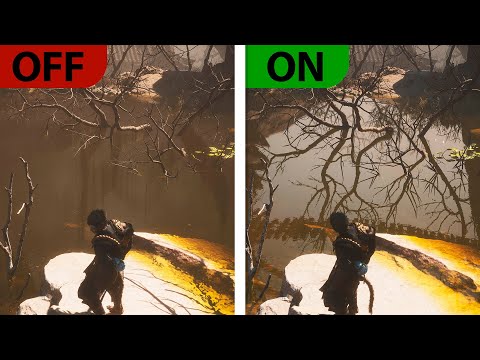
A well-known title that used these RT features is Black Myth Wukong
Download the Abandoned Apartment Demo Project (from Nvidia)
https://drive.google.com/file/d/1OCb9sW9xH3FsFUza0ZG1tKWOPMMus5XA/view?usp=sharing
Download the Attic Demo Project and Build (from Nvidia)
Download Vite Tech Samples Project:
Vite_TechSamples.7z - Google Drive