Engine Systems
This document outlines the specifics of deactivating unnecessary or redundant sections of the Unreal Engine codebase. Its purpose is to track and document all modifications that alter default UE behavior, specifically those made for optimization, performance improvements, and engine feature debloating.
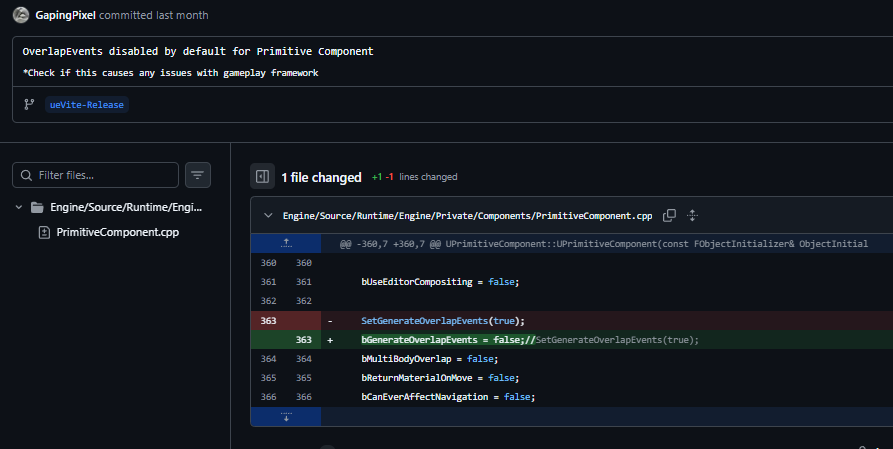
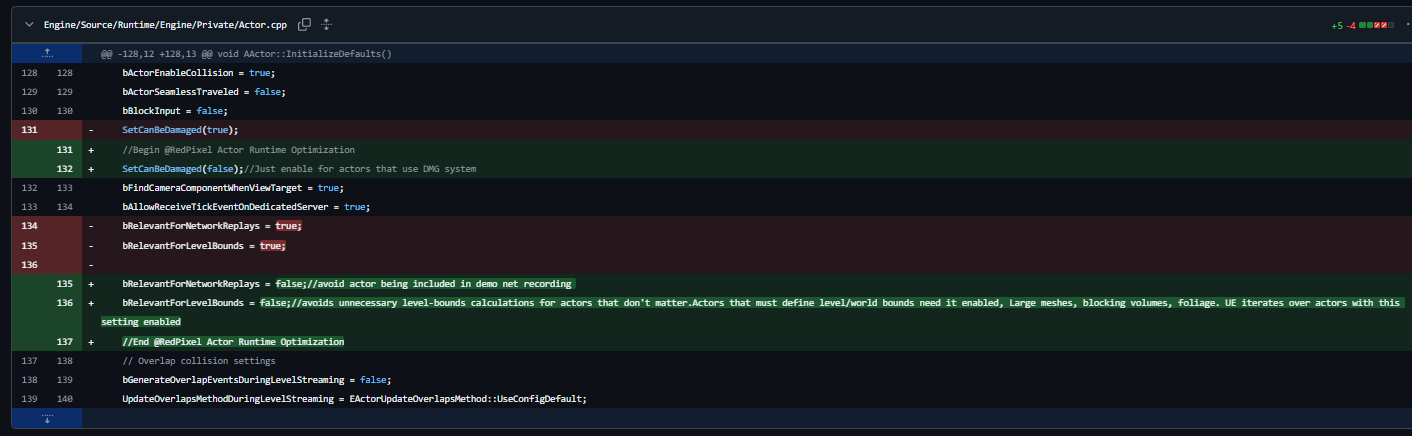
Changes to Default Settings
Runtime changes
Skeletal Meshes Optimized Config as Default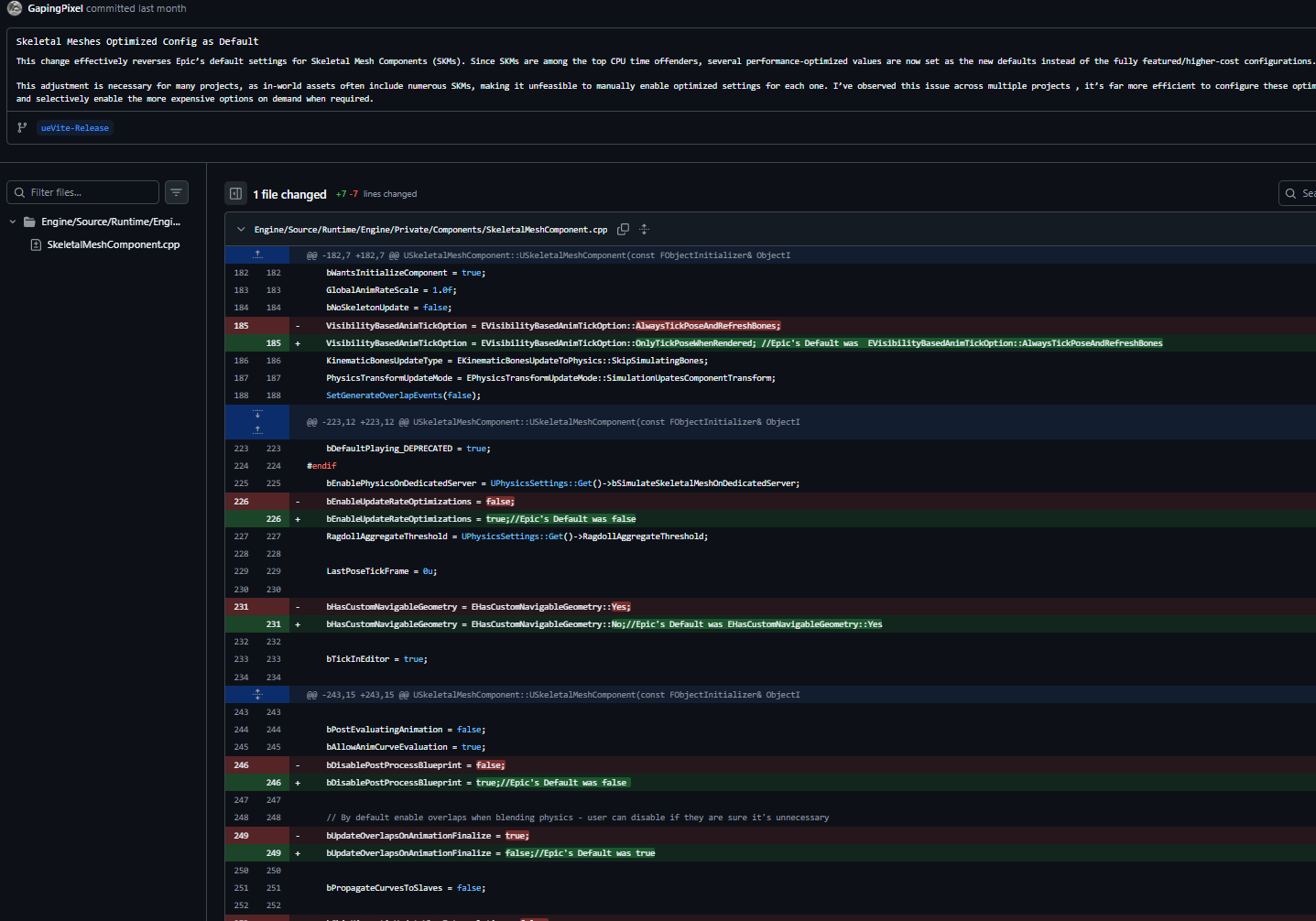
Scalability Ini Settings
Shadow Quality 4 is now in use for Mid Shadoe Setting · GapingPixel/UE5-PhysX-Vite@1718cd6
Disabled Plugins
Disabled More Plugins, VR needs to be enabled · GapingPixel/UE5-PhysX-Vite@e9aebc2
Disabled More Default Plugins · GapingPixel/UE5-PhysX-Vite@6c5948b
Misc Changes
Generate LightmapUVs has been disabled by default
Better defaults · GapingPixel/UE5-PhysX-Vite@acce6fb
Safe Backports · GapingPixel/UE5-PhysX-Vite@fe7a6f4
Backport: AlwaysOpenAnimationAssetsInNewTab · GapingPixel/UE5-PhysX-Vite@8bdae91
Add config var to disable ShowNewPluginsPopup · GapingPixel/UE5-PhysX-Vite@9af0349
bDisableAllTutorialAlerts=True · GapingPixel/UE5-PhysX-Vite@d9fd593
Optional Debloat
From here and on, these refer to optional things that can be deactivated but that cannot be deactivated at the Fork-Release Branch for compatibility reasons.
Vite Plugin Removal:
Removing the added plugins would improve compile times somewhat (houdini is the largest). Compile times on my Ryzen 9 9950x3d are: Full Repo 15min, No Vite Plugins 12min 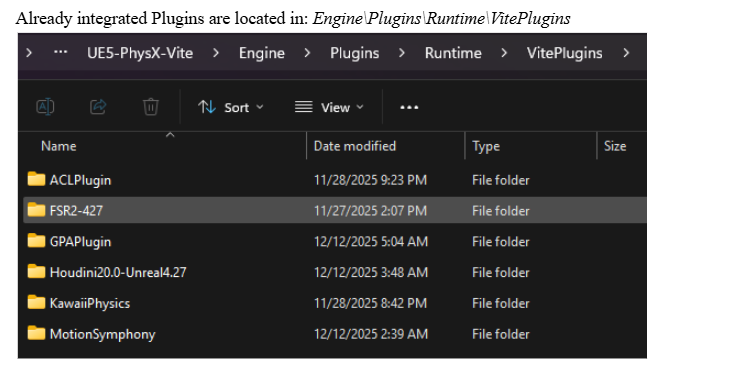
Engine Tick systems optimization
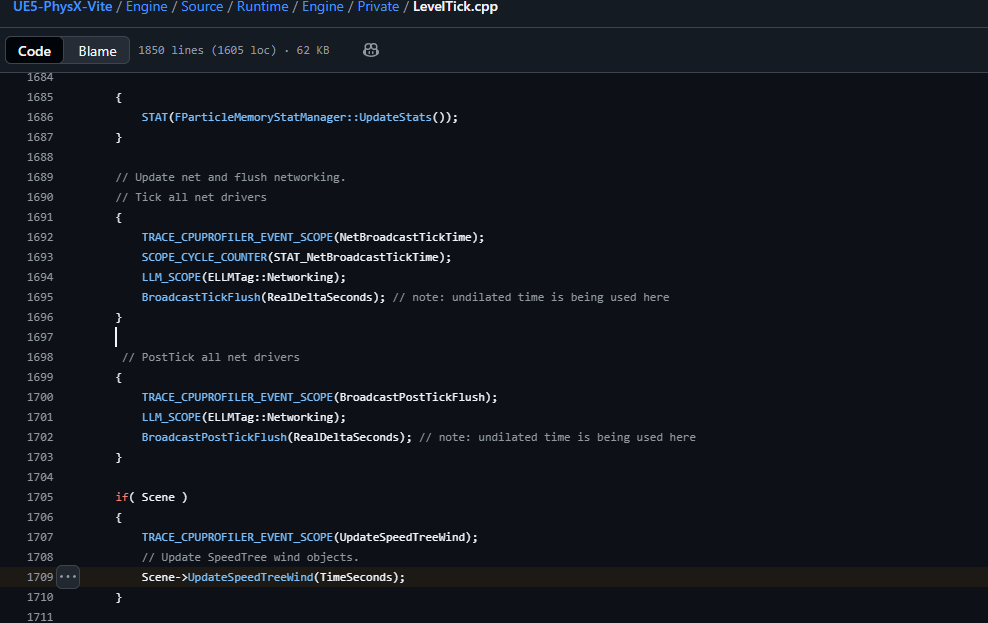
SpeedTree Tick:
Niagara Tick:
Niagara Tick can be deactivated by disabling the plugin at the project level.
Default Settings Changes:
SkeletalMeshComponent: