PhysX Test
Download
What it covers
A broad exercise of PhysX behaviour rather than a throughput benchmark: collision response, constraints, stacking stability, sleeping and waking, and the general question of whether the solver behaves the way it should.


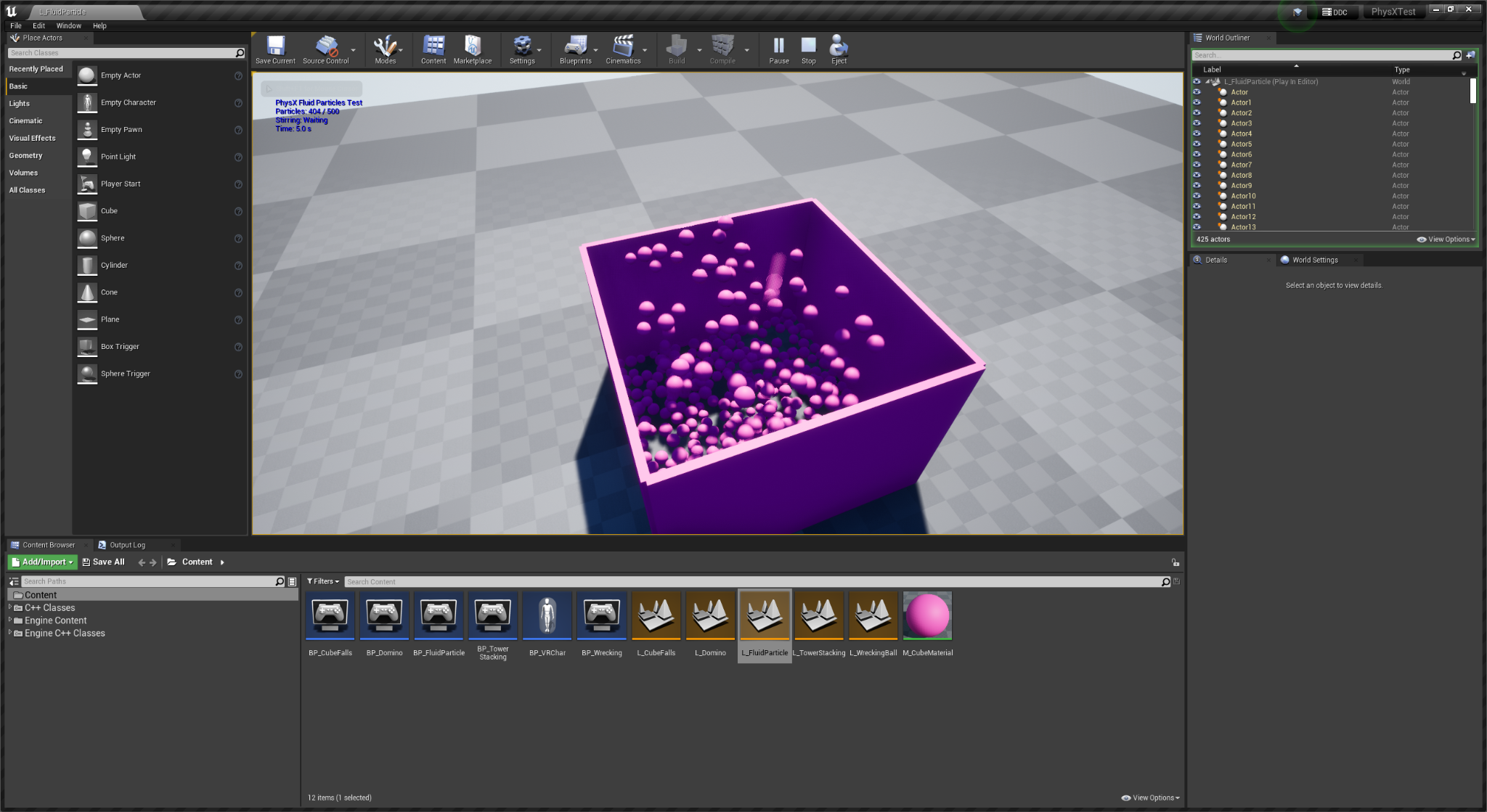
Scenarios from the test project. Each isolates one behaviour so a regression shows up as a visible difference rather than as a number that moved.
This is the project to run when you have changed something physics-adjacent and want to know whether you broke it, as opposed to how fast it is.
Relevance to Vite
Vite retains PhysX rather than migrating to Chaos, and that choice is only defensible if the PhysX layer stays correct through engine changes. Anything touching:
The physics scene or substepping, particularly with
VITE_PHYSX_FIXED_TIMESTEPenabledBody instance transforms or interpolation
Collision query paths, which the Character Movement Component uses heavily
Apex Destruction or Cloth integration
should be verified here before it is considered done. See Coding Guidelines for the verification requirements.
Fixed timestep testing
If you are evaluating fixed timestep physics, this project is a reasonable place to observe the difference. Run it at an unlocked frame rate and then with t.MaxFPS set to various values: with the default variable timestep the simulation result changes with frame rate, and with fixed timestep it should not.
Remember that fixed timestep is a compile-time feature. Without VITE_PHYSX_FIXED_TIMESTEP=1 in the build, p.VitePhysXFixedTimestep.Enabled does nothing.