Callisto BRDF Demos
Downloads
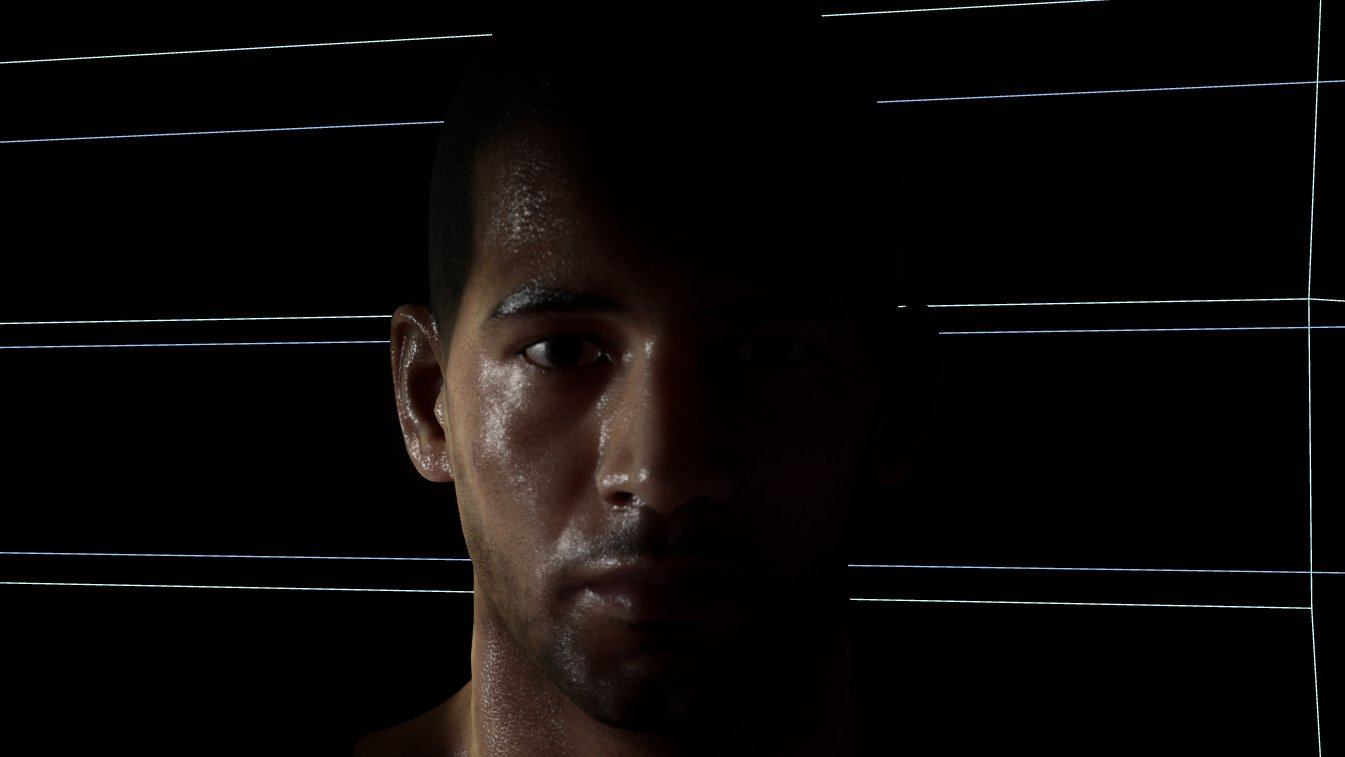
Male demo character. Retroreflection and diffuse Fresnel are doing the work at grazing angles.
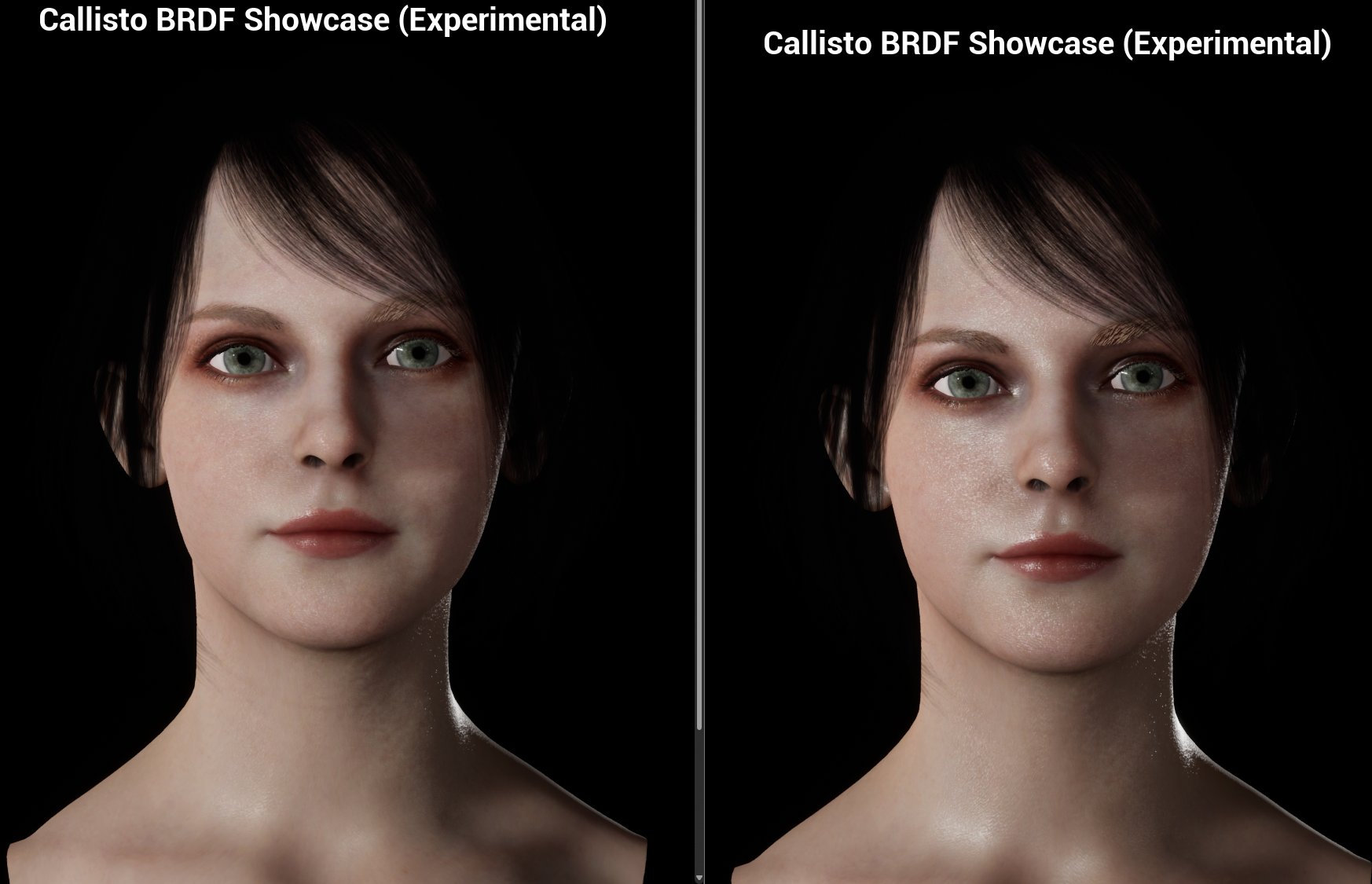
Female demo character. Smooth Terminator softens the shadow line across the curved surfaces of the face and arms.
What Callisto BRDF does
Unreal's default lit model is a good general-purpose BRDF and a mediocre skin and character model. Callisto BRDF is a Vite addition that gives you direct control over the terms that matter for character rendering, by repurposing existing material pins rather than adding new ones:
Standard pin | Becomes |
|---|---|
Opacity | Retroreflection |
Anisotropy | Diffuse Fresnel |
Custom Data 0 | Smooth Terminator |
Custom Data 1 | Diffuse Fresnel Falloff |
Ambient Occlusion | Retroreflection Falloff |
Smooth Terminator is the one to look at first. The hard shadow terminator on curved surfaces is one of the most obvious tells of a real-time character, and controlling it directly is cheaper and more predictable than working around it with normal map or lighting tricks.
Full pin reference and authoring notes in Shading Models.
Using the demos
Open the character material and change one pin at a time. The remapped pins interact, and the effect of each is much clearer in isolation than in the shipped combination.
Pay attention to how the model responds to grazing light. Retroreflection and diffuse Fresnel both act strongest there, and that is where the difference from the default lit model is most visible.
Porting the setup
The material graph is the useful part of these demos. Callisto BRDF is a shading model selection, so adopting it is a matter of switching the model and rewiring the affected pins — there is no plugin to enable and no compile-time switch involved.