Stylized Raytracing Demo
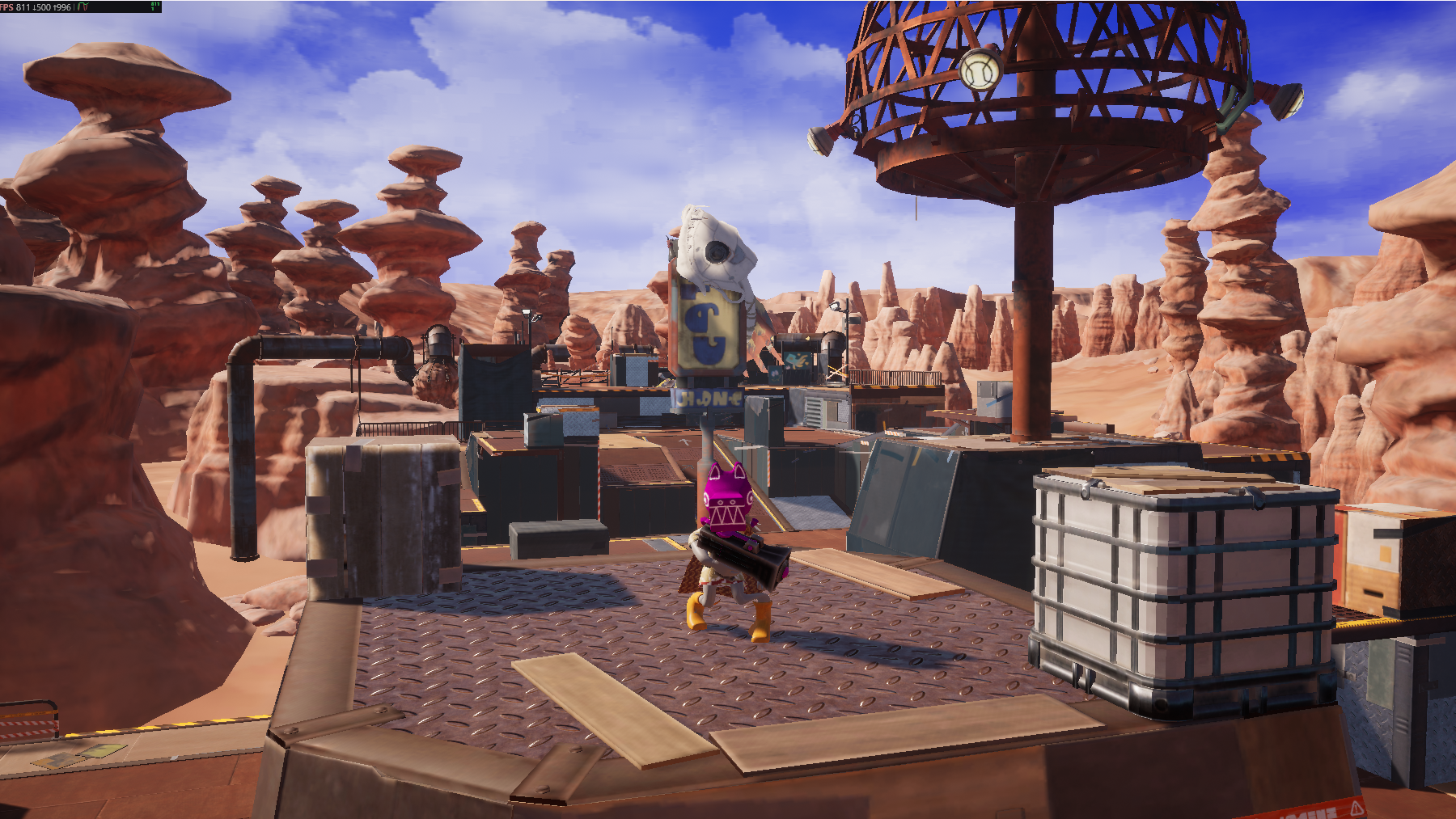
Dynamic DDGI, no baked lighting. The counter reads 811 FPS at 1440p native on an RTX 4080 Super.
Download
Why stylized ray tracing
Ray tracing is usually presented as a photorealism feature, which leads stylized projects to skip it. That is a mistake. What ray tracing actually provides is correct light transport, and stylized rendering benefits from correct light transport just as much — arguably more, because stylized art tends to use strong, deliberate lighting where screen-space artefacts are conspicuous.
Specifically:
Ray-traced feature | What it gives stylized work |
|---|---|
Reflections of off-screen geometry, which screen-space reflections cannot produce | |
Contact-accurate shadows without shadow map resolution and bias tuning | |
Colour bleed that reinforces a limited palette rather than fighting it | |
Grounded contact without the halos screen-space AO produces |
Combining ray-traced lighting with the Toon shading model is well supported in Vite — Toon is one of the custom shading models the fork adds.
What to look at
Turn ray-traced reflections off and on in the demo. The difference is largest exactly where screen-space reflections fail: reflections of things outside the frame, at grazing angles, and behind the camera.
Then look at how the stylized materials respond to the ray-traced lighting rather than to a baked approximation of it. The lighting is doing work the art direction can rely on being consistent as the camera moves.